
© 2026 Kossti. All rights reserved.
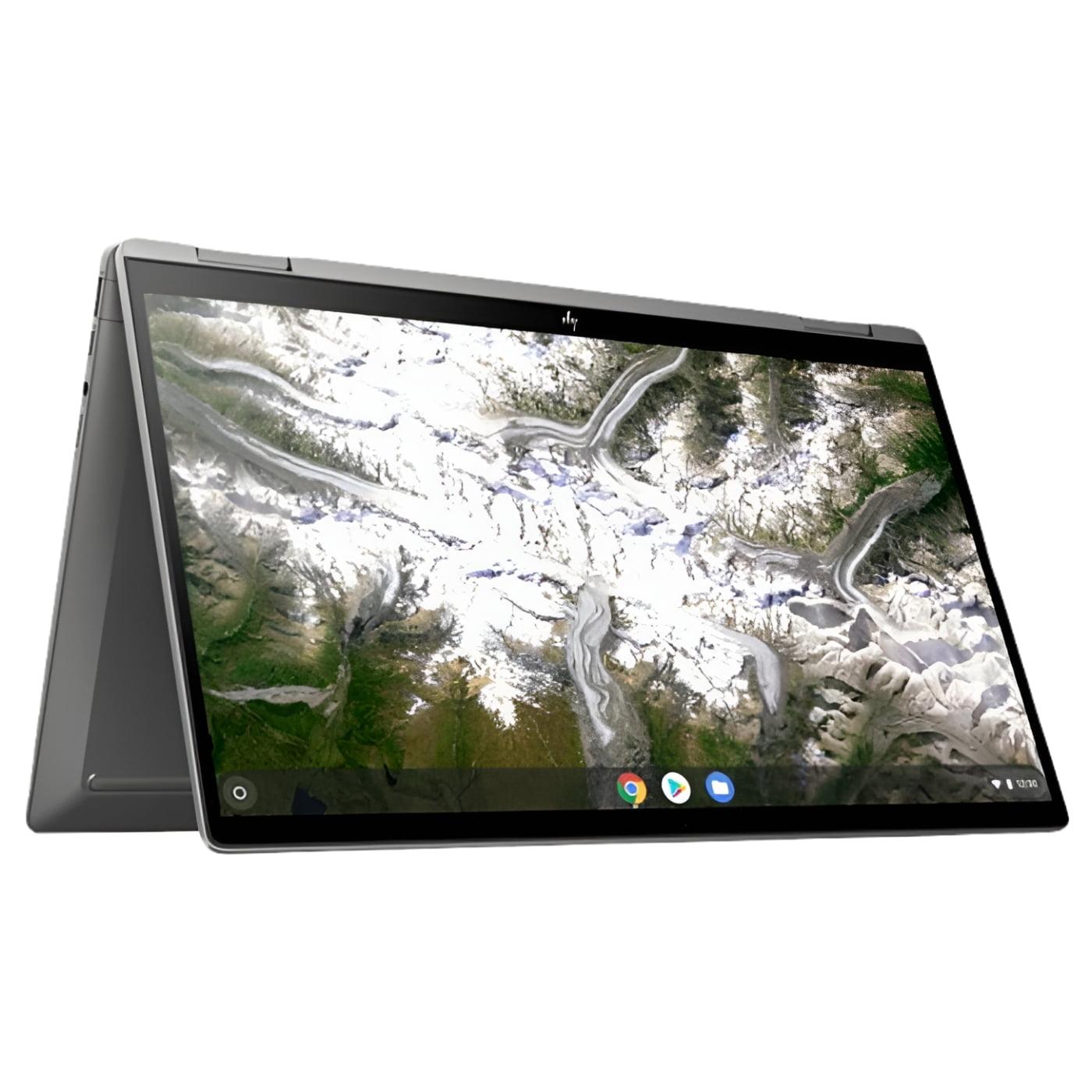
Unofficial specifications
Operating SystemChrome OS | Screen Size14 inches |
RAM8 GB | Display TypeIPS |
Ram8 GB | BrandHP |
Processor BrandMediaTek | Processor ModelKompanio 520 |
Product DescriptionSilver | Backlit KeyboardYes |
Storage128 GB eMMC | Cpu TypeMediaTek Kompanio 520 |
Standby Time10-12 hours | Battery TypeLithium-polymer |
Processor Speed2.2 GHz | Audio QualityStereo Speakers |
Cooling SystemPassive Cooling | RAM ExpandableNo |
Thunderbolt VersionNo | Refresh Rate60 Hz |
Device TypeChromebook | Body TypePlastic |
Graphics CardMali-G57 MC2 | Screen Resolution1920 x 1200 pixels |
App ControlNo | Display CharacteristicsIPS, 300 nits |
Model Number2023 | Audio Jack3.5mm Combo Jack |
EthernetNo | Keyboard LanguageEnglish/Bangla |
HDMI PortsNo | Wifi SupportWi-Fi 6 (802.11ax) |
Charging Speed45W USB-C Adapter | Wireless ChargingNo |
Graphics VRAMShared | Battery Capacity45 Wh |
Weight1.35 kg | Camera Features1080p HD |
Processor Cores8 | Storage InterfaceeMMC |
Storage Capacity128 GB | RAM SpeedLPDDR4X |
USB Ports2x USB-C 3.2 Gen 1, 1x USB 3.2 Gen 1 | Processor GenerationARM Cortex-A76 |
Available ColorsSilver | Special FeaturesTPM 2.0 |
Display Touch SupportYes | Display Size14 inches |
dup34341.35 kg | Battery45 Wh |
Cooling TechnologyPassive Cooling | Dimensions321.9 x 206.5 x 17.9 mm |
SD Card ReaderNo | Build StandardStandard |
Model NameChromebook x360 14c | ChipsetMediaTek SoC |
Bluetooth VersionBluetooth 5.2 | SensorsNo |
Processor Threads8 | TouchscreenYes |
Build MaterialPlastic | Usb TypeUSB 3.2 Gen 1 |
dupll1 Year | Resolution1920 x 1200 pixels |
3.5mm Audio JackYes | Storage ExpandableNo |
Warranty1 Year International Warranty | Frequency (Hz)60 |
Clock Feature4 MB cache | RAM SlotsSoldered |
Gpu TypeIntegrated |
Reviewer
Apr 20, 2026
The moment I unboxed the HP Chromebook x360 14c, I was captivated by its sleek design. The aluminum chassis felt premium in my hands, and I could already tell it was a step up from my old clunker. However, that initial enchantment quickly faded when I realized the weight caught me off guard. It’s not heavy by any means, but after an exhausting day of commuting, lugging it around feels a tad cumbersome.
Typing on the keyboard for the first time felt really decent – the keys had a nice bounce to them, which surprised me. However, I was so annoyed when I discovered that some of the font choices in ChromeOS weren’t as crisp as they should be for a device marketed with this level of quality. I expected more punch from such an attractive machine!
As a daily user balancing work and casual browsing, performance was vital for me. Generally, the Chromebook handled multiple tabs reasonably well — browsing through emails while listening to music came without much hassle. There were moments where it lagged unexpectedly though, leaving me waiting rather anxiously for pages to load or apps to start. It didn’t feel at all smooth during these instances.
I remember being particularly let down during an important video conference call when my screen froze right before I needed to share some documents. Panic set in as I scrambled to reboot it in front of colleagues! Seriously, why does that have to happen when every second counts?
This display is genuinely impressive – vivid colors pop out beautifully whether I'm streaming shows or watching videos on YouTube. The touch responsiveness has been spot-on too; scrolling through content felt intuitive and fun. However, brightness levels sometimes left me squinting indoors with bright lighting conditions.
One moment I particularly enjoyed was when I streamed my favorite movie during my commute home; it made the trip feel shorter! Nevertheless, the lack of adequate anti-glare properties disappointed me whenever sunlight hit at just the wrong angle, turning pixel paradise into an annoying reflection fest!
Navigating around town has always been a top priority for me given the chaotic layout of city streets. This is where having integrated GPS is crucial because getting lost makes my anxiety spike! Unfortunately, I've faced several hiccups; last week alone, my navigation app went haywire mid-route—talk about stressful!
I missed my turn when the map froze completely! It resulted in a last-minute detour that added an extra twenty minutes to my drive—frustrating beyond belief! Moments like these make me question if choosing this Chromebook was worth it when basic functions fail dramatically.
HP advertises impressive battery life with this model, promising over twelve hours of use on a single charge. Honestly, that's mostly true for light usage like browsing or note-taking; however, heavier tasks tend to drain it quicker than expected. On days packed with video calls and multitasking, I often found myself scrambling for an outlet during lunch breaks.
I felt a wave of relief once when I'd charged it enough ahead of time before heading out. But there were also instances where I'd glance down only to find myself staring at ‘15% remaining’ midway while editing documents — definitely not what you want on busy workdays!
I frequently find myself working from cafes and parks throughout weekdays. Unfortunately, every now and then—I experience dreadful signal drops in crowded settings. One particular afternoon while rushing to meet friends after therapy sessions downtown was infuriating; connecting to one Wi-Fi network after another just wasn’t cutting it!
The struggle is real in trying to hop onto public networks that are always full! It made essential work coordination exceedingly frustrating—not ideal when you're depending on connectivity as your lifeline.
This Chromebook’s flexible design means adapting it easily into tablet mode can feel quite empowering! On countless bus rides home using one hand while navigating social media became surprisingly doable thanks to its lightweight nature—such moments saved my sanity more than once amidst a sea of commuters crammed together!
However, flipping between modes occasionally gave rise to involuntary pauses as its responsiveness lagged right before switching interfaces initiated awkward situations where responses seemed delayed–oh man did that frustrate me!
Ultimately relying on this device daily poses both triumphs and challenges alike—it remains functional overall but does require patience! When everything clicks into place… whoa! It feels good! Yet surely those nagging stutters leave this relatable desire lurking constantly: yearning for more efficiency without compromise.
If you’re like me—always juggling deadlines between chaotic stops along your route—the **HP Chromebook x360 14c** might pleasantly surprise you most days undoubtedly despite facing obvious drawbacks as described above… would I enthusiastically recommend? Yes…with caveats!
Share feedback or ask a question about this product.